Advent(ure) Calendar
Project Scope
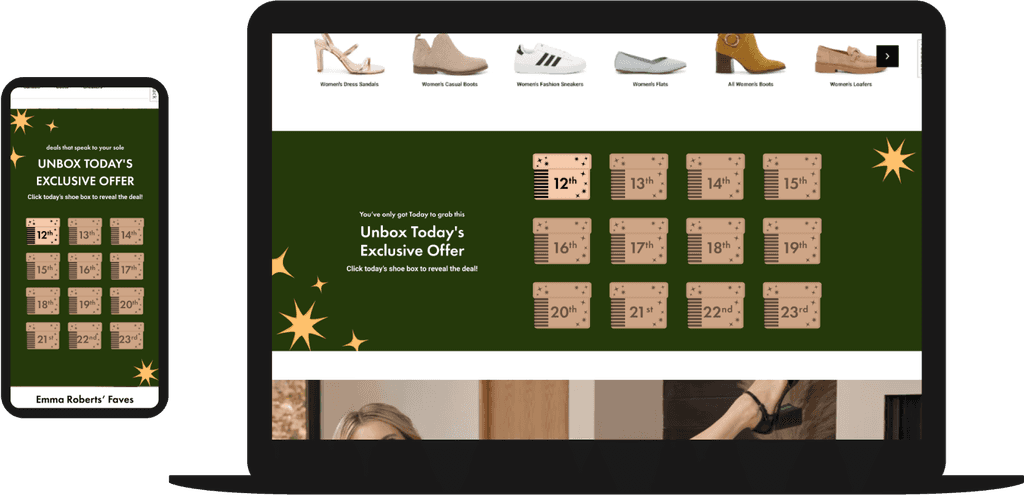
This game is inserted into the client's website rather than displaying on top of it. The inline zone game can appear on any page. Assets are designed to match the client's holiday branding so that the game appears native to their site. Each day there is a new box to open with a unique offer available. The final step of the game reminds the customer to return the following day for a new deal. We found that the click rate for the inline zone game had a near 800% increase over to the top bar that we ran at the same time, despite the top bar having higher discounts offered.
Story Board
Step 1

The Customer will be prompted to select one of the 12 boxes. Each box will be numbered with a date to show which days the game will be active for . The daily deal box will jiggle to catch the customers eye and encourage interaction with the zone. The other boxes will be set to 50% opacity.
Step 2

The selected box will jump up off the top of the inline zone and then the box will slide up from the bottom of the inline zone at two times the size. The box will give one last little jiggle.
Step 3
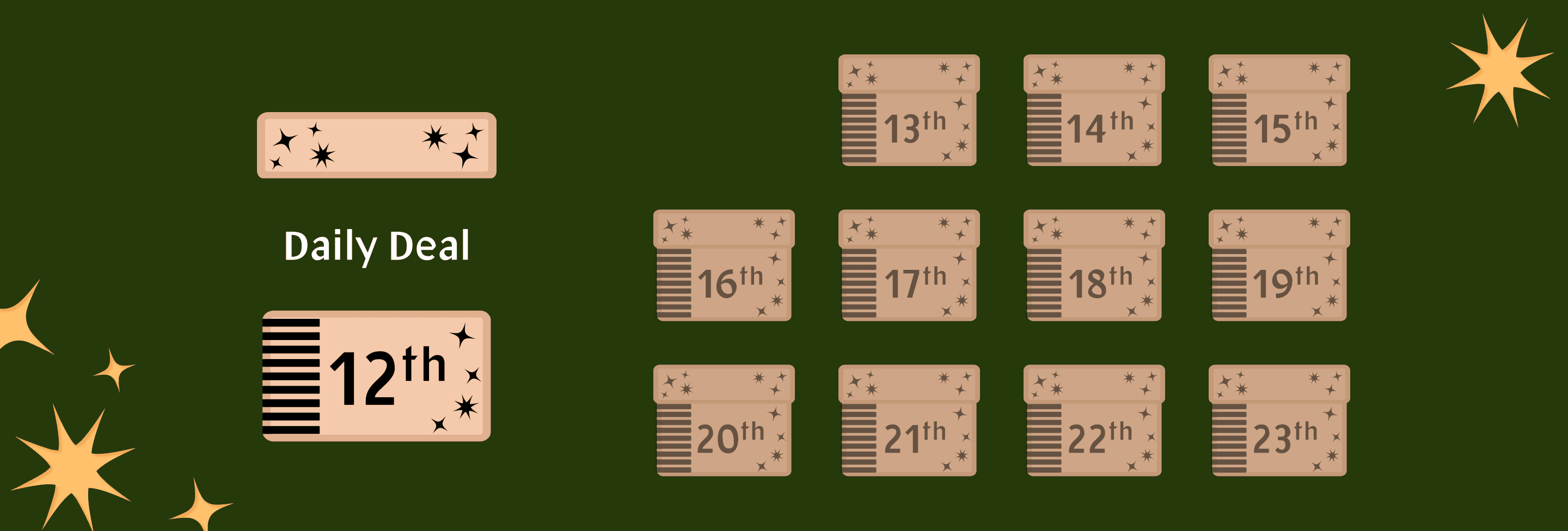
The top of the box will lift off and the daily deal will be revealed.
Step 4
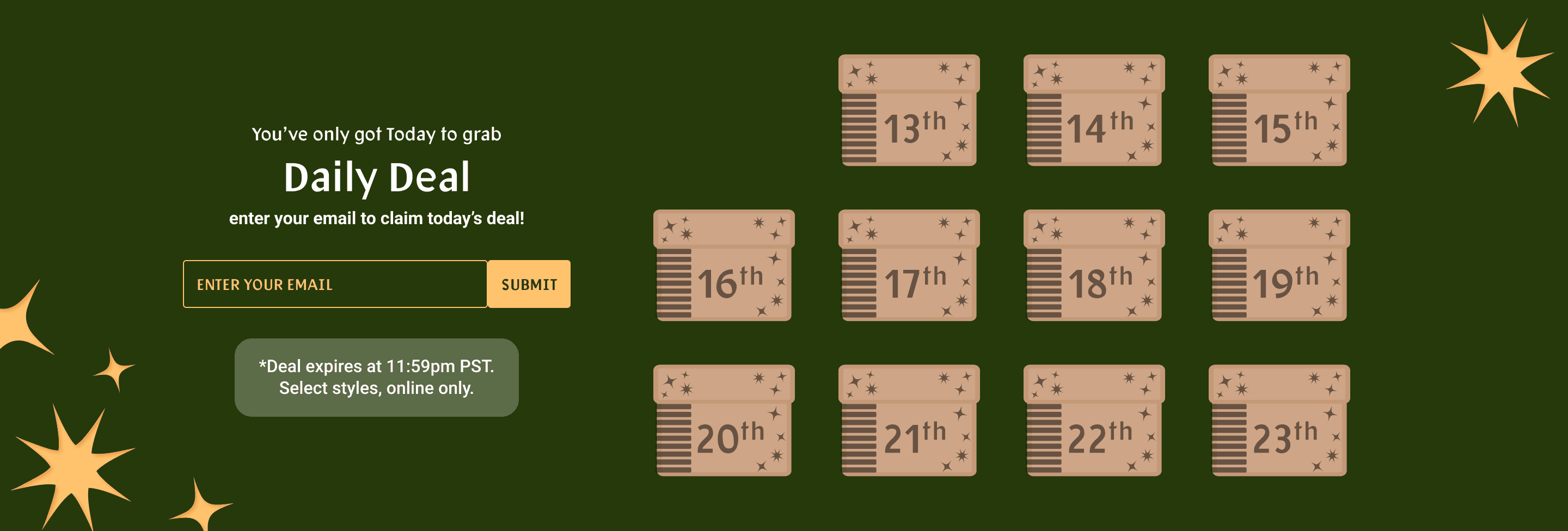
After the animation plays, the customer is prompted to input their email address in order to access the daily deal. If the customer is a returning user, the game will skip this step and proceed to step 5.
Step 5
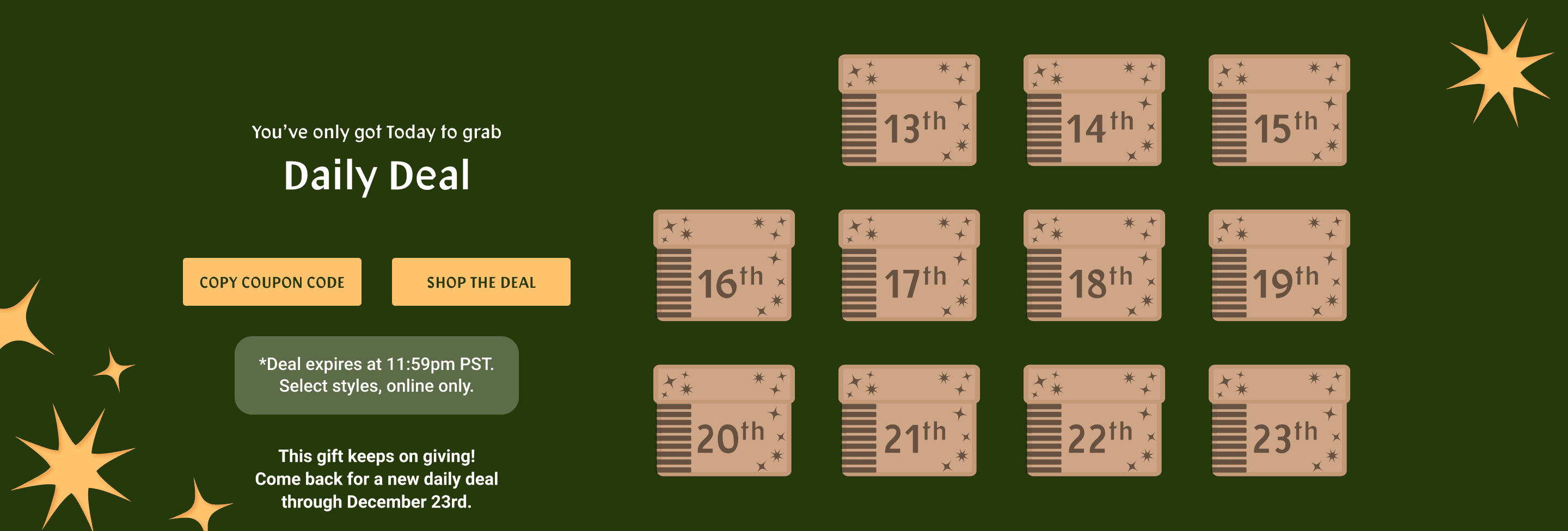
The customer is encouraged to click or tap to copy the coupon code. The text will then change to “CODE COPIED.” The customer can then click the button to shop the promotion.