Pick A Card
Project Scope
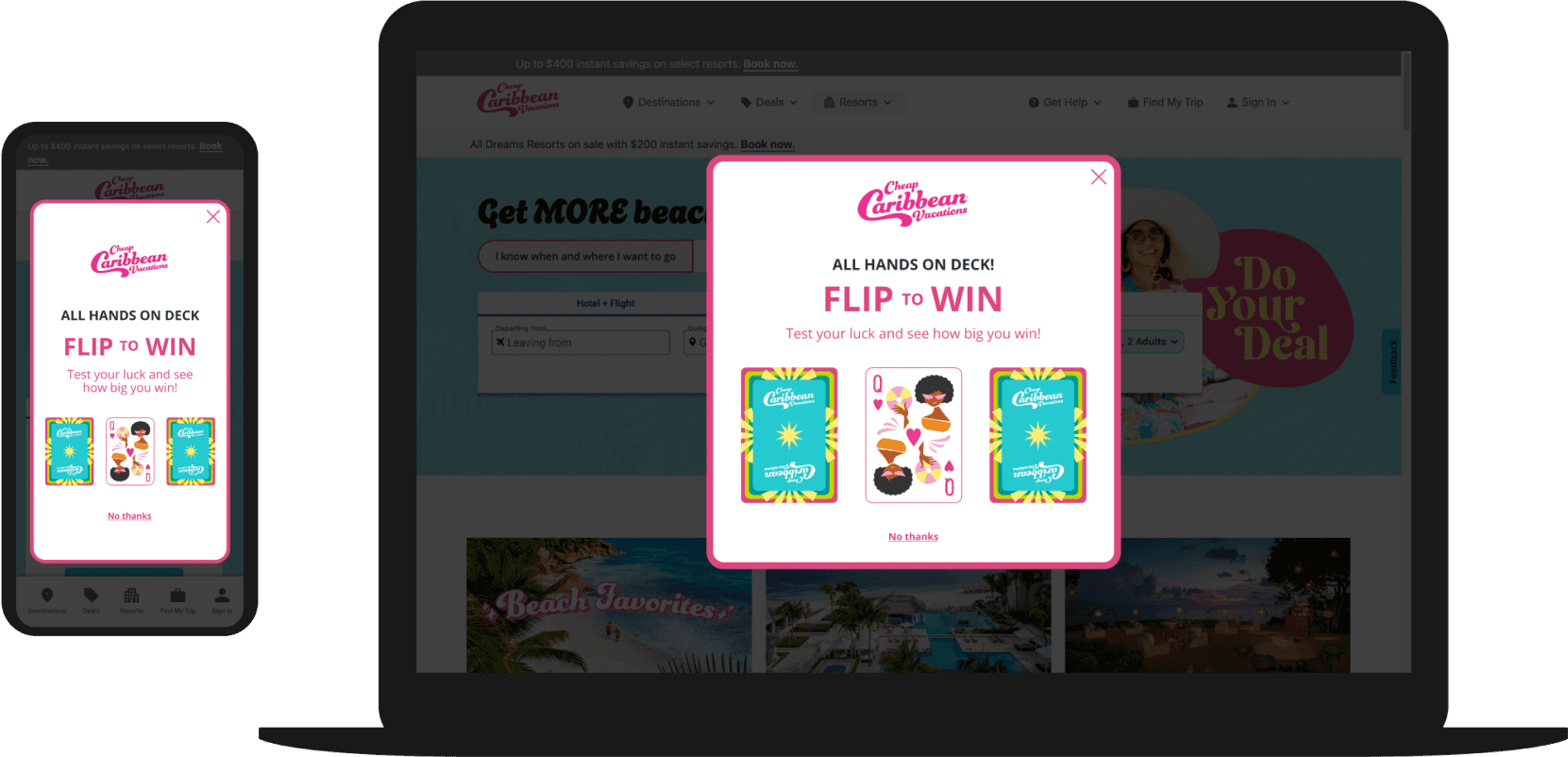
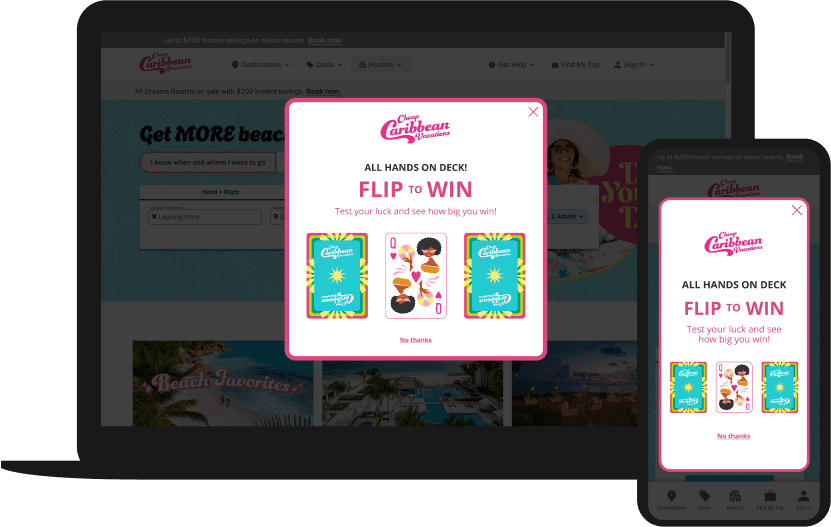
The customer will interact with branded playing cards inspired by the client's “All Hands on Deck” playing card deck to reveal an offer that they can use at when checking out. The game is triggered immediately on first page view. Both anonymous and prospective customers, who are not on the CRM list and have never purchased before will receive this game.
Story Board
Step 1

Customer can select one of three cards. When they hover over the cards on desktop, the card flips over.
Step 2

After the customer selects a card, the other two cards will fade away .
Step 3

The selected card will grow in size by 20%
Step 4

The selected card will flip over one more time to reveal what the user has won.
Step 5

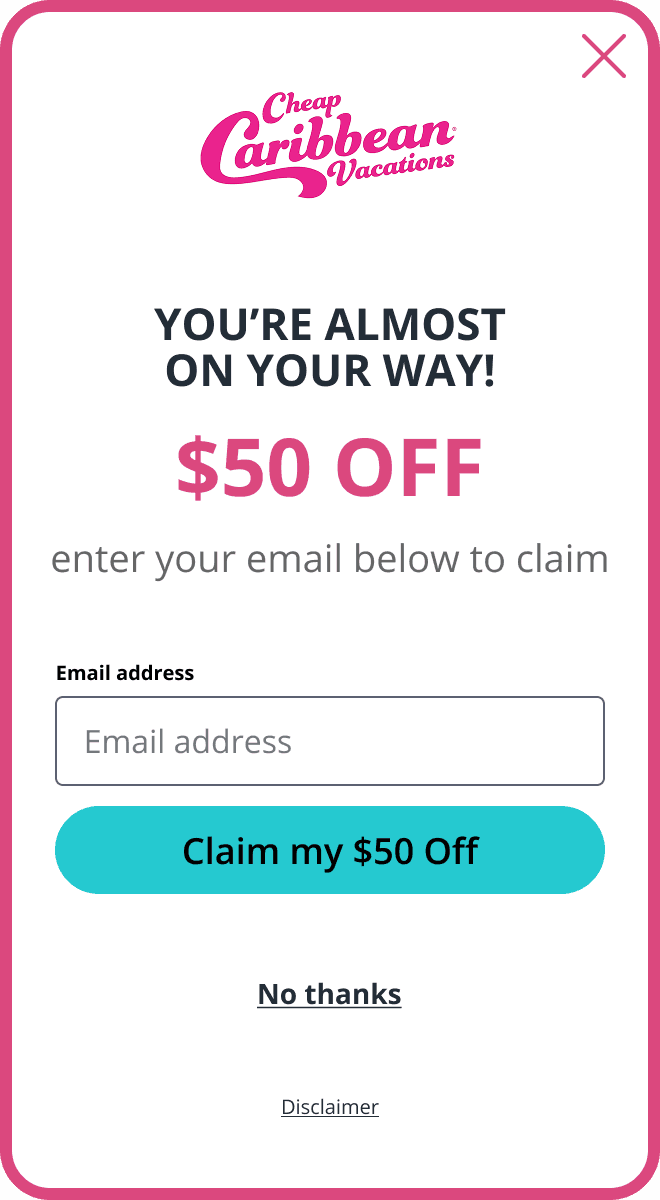
The selected card will fade away after two seconds and the customer will be prompted to enter their email address to use the offer.
Step 6
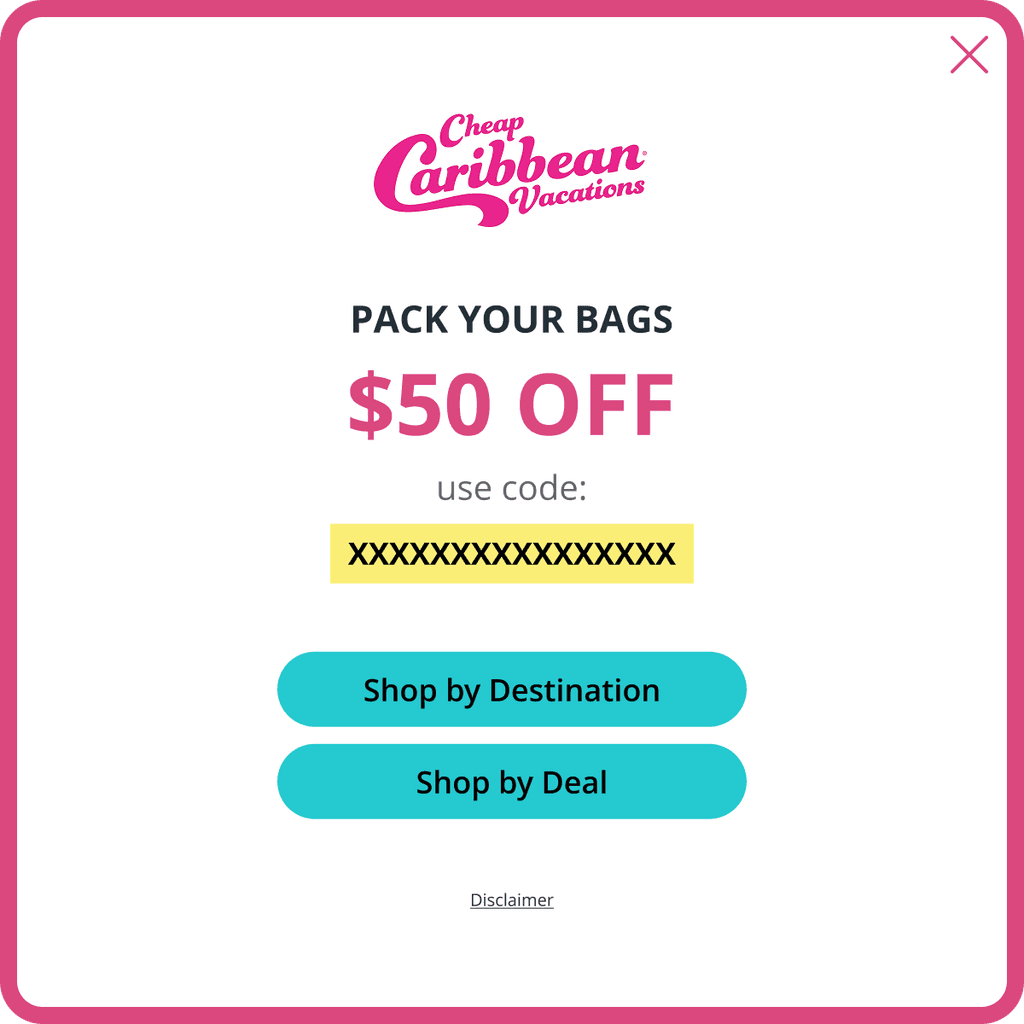
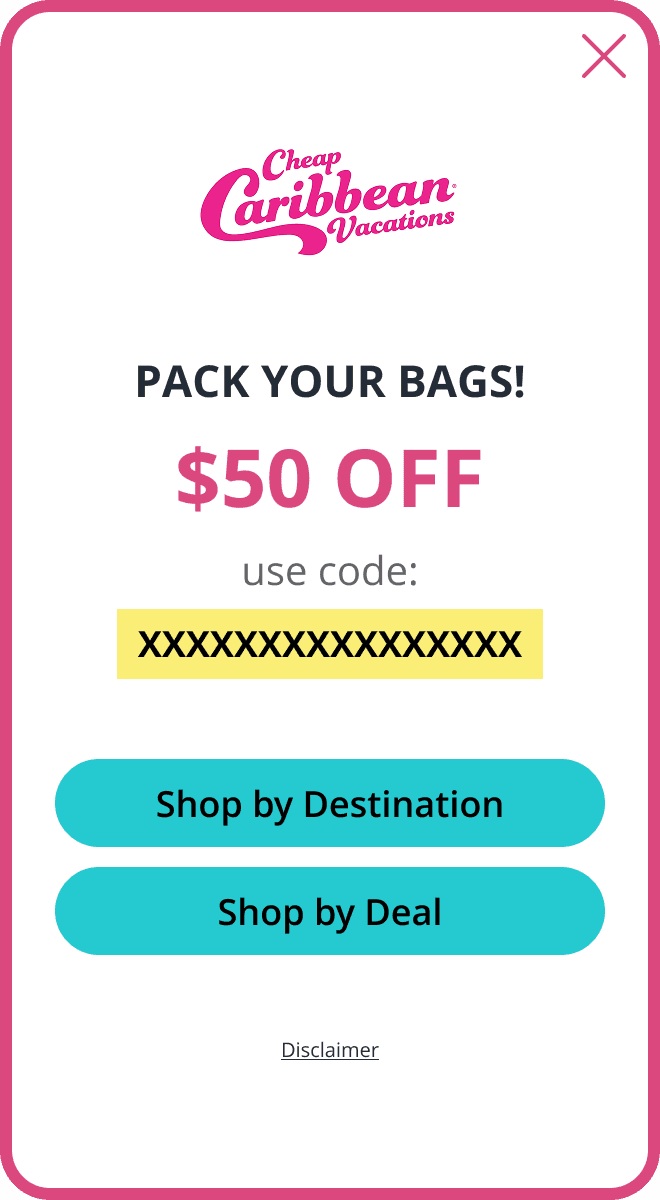
After the customer submits their email address, a coupon code will be
revealed for them to use at checkout.